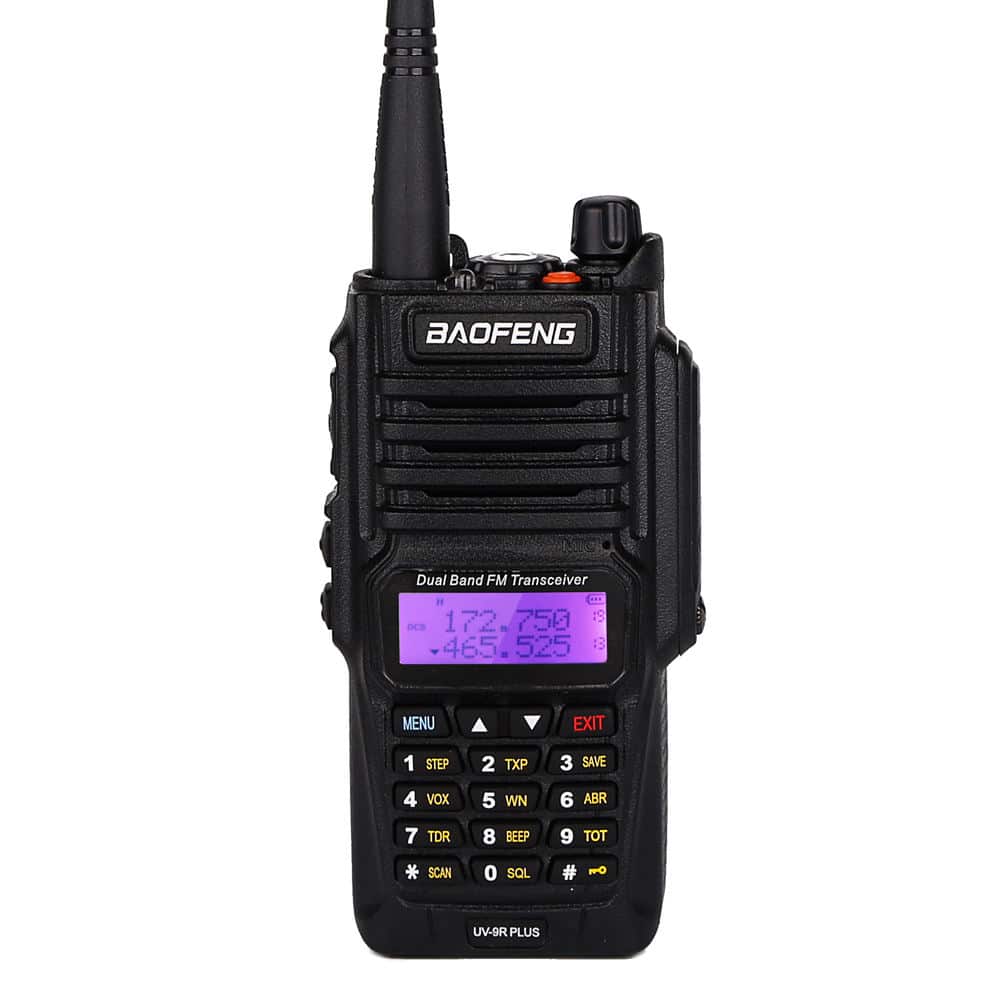
Baofeng UV9R Programming Cable is a specialized USB interface designed specifically for Baofeng’s waterproof radio series. Unlike the standard “2-pin” cables used for the UV-5R, the UV-9R series uses a proprietary multi-pin screw-in connector. This design is essential to maintain the radio’s IP67/IP68 waterproof and dustproof rating, ensuring a secure, airtight seal during the programming process. This cable is a critical tool for unlocking the full potential of your radio, allowing you to bypass the limited onboard menu to name your channels, set up repeaters, and manage privacy codes ($CTCSS/DCS$) with ease. Key Features of Baofeng UV9R Programming Cable Waterproof Multi-Pin Connector: Features a rugged, screw-on interface that fits perfectly into the side port of the UV-9R. The screw-in design prevents the cable from slipping out during data transfer. Broad “WP” Compatibility: While named for the UV-9R, this cable is compatible with all Baofeng waterproof models, including: UV-9R Plus, UV-9R Pro, UV-9R Era UV-XR, UV-GT-3WP BF-A58, BF-9700, R760 Stable Data Chipset: Typically equipped with the PL2303 or CH340 chip, ensuring high-speed data transfer and compatibility with modern operating systems. CHIRP Ready: Fully supported by CHIRP (open-source software) and the official Baofeng “VIP” factory software. Heavy-Duty Construction: Thicker, reinforced cabling and rubberized strain relief make this cable much more durable than standard amateur radio leads. Technical Specifications of Baofeng UV9R Programming Cable Feature Details Interface USB-A to Multi-Pin Waterproof Screw-In Length ~1 Meter (3.3 ft) Supported OS Windows 7, 10, 11 (32/64-bit), Mac OS Waterproof Rating Connector is designed for IP67/IP68 Radios Software Support CHIRP, Baofeng VIP, RT Systems LED Indicator Most models feature an LED to show data activity Pro-Tips for Successful Programming The “Tight Fit” Rule: Because of the waterproof gaskets, the connector must be pushed in very firmly and the screw tightened completely. If the computer doesn’t “see” the radio, it’s usually because the pins aren’t making full contact. First Step – Backup: Always click “Download from Radio” before making any changes. This saves a “factory backup” in case you need to restore the radio later. Software Selection: In CHIRP, if you don’t see the “UV-9R” listed, try selecting “UV-82WP”—many UV-9R variants use the same firmware logic and will program perfectly under that profile.